Getting Started
- How to register with MyPanel?
- Step-by-step guide to set up your printer.
- How to install the PrinterCo app?
- How to install Printerco app to TPS900 printer?
- How to add or register a printer to MyPanel
- How to connect a thermal printer with the PrinterCo app?
- How to Login & Connect my POS Printer?
- How to Activate a Test License Key for PrinterCo
- Locating your plugin license key For WooCommerce, Shopify, Wp-Pizaa, Etc
- Why my printer is not registered with printerco?
- How to get the API key, API password and Printer ID
- How to Place a test order?
- Automatically print orders
- Dispatch Orders & Send SMS Alerts To Customers
- How to Buy SMS Credit from MyPanel Dashboard?
- SMS Order Notifications Setting
- How do print the customer's Name, Address, and phone number on the receipt?
- How to print a logo on the receipt?
- Recommended Fonts setting for the nice looking layout
- My printer is not printing!
- Troubleshooting with WatchDog
- How to remove HTML from printed receipts?
- Change subscription plan
- Printer Functions
- List of woocommerce plugins that are compatible with PrinterCo printing plugin
- Can I print orders from WooCommerce?
- WooCommerce POS Order Printer (plugin installation guide)
- How do I print a WooCommerce order?
- How do I automatically print WooCommerce orders?
- How do I print a customer order in WooCommerce?
- Print Additional Fees on wooCommerce
- How to build an order status page for customers in woocommerce
- WooCommerce Email notifications are not sending
- What are the woocommerce email placeholders?
- Woocommerce troubleshooting (Step-by-step)
- Woocommerce order status not changing
- Print 'EAT IN' orders to a WooCommerce POS printer for a table ordering
- Print 'EAT IN' orders to a WooCommerce POS printer for a table ordering
- Shopify order printer. Integration with Shopify
- Integration with SquareSpace
- Connect your GloriaFood store to printerco order printer- NO CODING IS REQUIRED!
- Build an app with AppInstitute's app builder & PrinterCo's receipt printer
- WP-Pizza Order Printer (plugin installation guide)
- API Documentation
- How to Install & Configure the PrinterCo Windows App for Automatic Order Printing
- List of printers that work with PrinterCo app.
- List of Shopify app that are compatible with PrinterCo automatic order printing
- Automatically print orders using Epson printer. How to connect an Epson printer with the PrinterCo app?
- Show all articles (33) Collapse Articles
MyPanel Settings
- How to register with MyPanel?
- How to add or register a printer to MyPanel
- Step-by-step guide to set up your printer.
- How to connect a thermal printer with the PrinterCo app?
- How to print a logo on the receipt?
- Automatically print orders
- How to Buy SMS Credit from MyPanel Dashboard?
- My printer is not printing!
- Troubleshooting with WatchDog
- Change subscription plan
- Automatically print orders using Epson printer. How to connect an Epson printer with the PrinterCo app?
Website Integration
- Locating your plugin license key For WooCommerce, Shopify, Wp-Pizaa, Etc
- WooCommerce POS Order Printer (plugin installation guide)
- How to build an order status page for customers in woocommerce
- Print Additional Fees on wooCommerce
- WooCommerce Email notifications are not sending
- What are the woocommerce email placeholders?
- Print 'EAT IN' orders to a WooCommerce POS printer for a table ordering
- Print 'EAT IN' orders to a WooCommerce POS printer for a table ordering
- Shopify order printer. Integration with Shopify
- Connect your GloriaFood store to printerco order printer- NO CODING IS REQUIRED!
- Integration with SquareSpace
- Build an app with AppInstitute's app builder & PrinterCo's receipt printer
- WP-Pizza Order Printer (plugin installation guide)
- How to remove HTML from printed receipts?
- API Documentation
WooCommerce Integration
- WooCommerce POS Order Printer (plugin installation guide)
- Locating your plugin license key For WooCommerce, Shopify, Wp-Pizaa, Etc
- Can I print orders from WooCommerce?
- How do I print a customer order in WooCommerce?
- How do I print a WooCommerce order?
- How do I automatically print WooCommerce orders?
- Print Additional Fees on wooCommerce
- How to build an order status page for customers in woocommerce
- Print 'EAT IN' orders to a WooCommerce POS printer for a table ordering
- Print 'EAT IN' orders to a WooCommerce POS printer for a table ordering
- List of woocommerce plugins that are compatible with PrinterCo printing plugin
- How to remove HTML from printed receipts?
- What are the woocommerce email placeholders?
- WooCommerce Email notifications are not sending
- Woocommerce order status not changing
- Woocommerce troubleshooting (Step-by-step)
- Show all articles (1) Collapse Articles
Shopify Integration
Gloriafood Integration
Squarespace Integration
AppInstitute app Integration
Wp-pizza Integration
FAQs
- Why my printer is not registered with printerco?
- How to register with MyPanel?
- How to install the PrinterCo app?
- How to install Printerco app to TPS900 printer?
- How to Login & Connect my POS Printer?
- Can I print orders from WooCommerce?
- Step-by-step guide to set up your printer.
- How to Place a test order?
- How to print a logo on the receipt?
- How do print the customer's Name, Address, and phone number on the receipt?
- How to Buy SMS Credit from MyPanel Dashboard?
- My printer is not printing!
- How do I print a WooCommerce order?
- How do I print a customer order in WooCommerce?
- How do I automatically print WooCommerce orders?
- Change subscription plan
- List of printers that work with PrinterCo app.
- Show all articles (2) Collapse Articles
Printer Functions and Setup
- Step-by-step guide to set up your printer.
- How to add or register a printer to MyPanel
- How to Login & Connect my POS Printer?
- How to connect a thermal printer with the PrinterCo app?
- Automatically print orders
- How do print the customer's Name, Address, and phone number on the receipt?
- How to print a logo on the receipt?
- Recommended Fonts setting for the nice looking layout
- Dispatch Orders & Send SMS Alerts To Customers
- SMS Order Notifications Setting
- My printer is not printing!
- Troubleshooting with WatchDog
- How to Install & Configure the PrinterCo Windows App for Automatic Order Printing
- Automatically print orders using Epson printer. How to connect an Epson printer with the PrinterCo app?
API Documentation
Account and Billing
List of printers that work with PrinterCo app
Automatically Prints order from Shopify, Wocommerce,Gloriafood, Custom website and POS
Eliminate manual printing. Route orders instantly to your thermal printers—reliable, fast, and fully automated.
Printers That Just Work — Right Out of the Box
No setup. No complications.
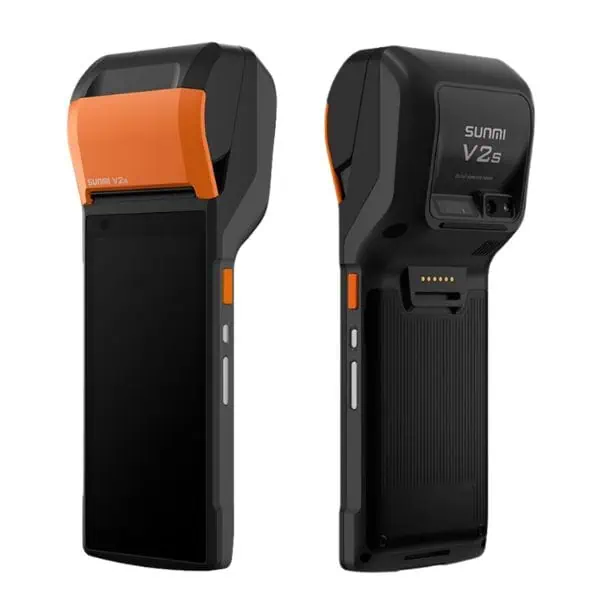
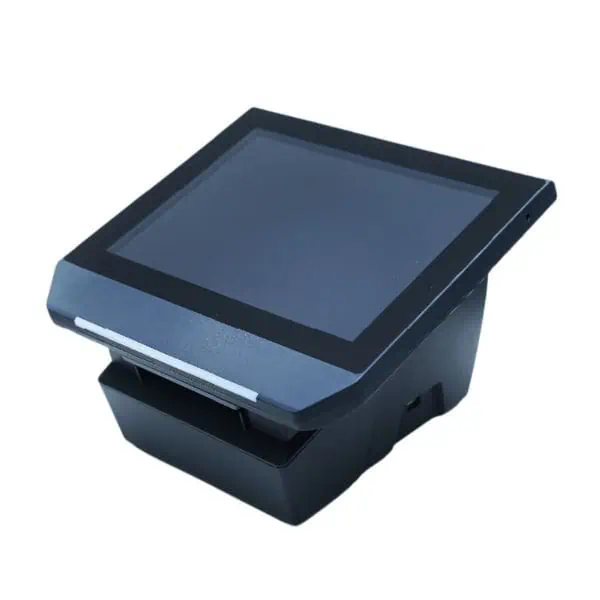
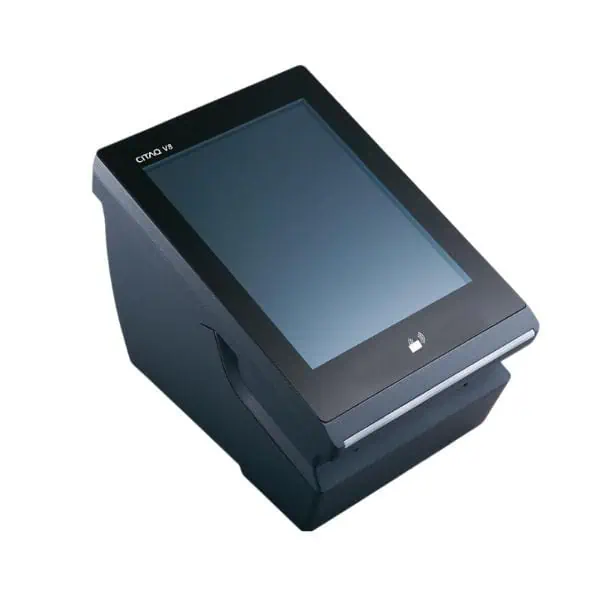
With PrinterCo, you get all-in-one terminals designed for instant use. Simply plug in, power on, and start printing your online orders—whether from Shopify, WooCommerce, GloriaFood, WP Pizza, or via our API.
Each device is a standalone Android terminal with a built-in thermal printer—no extra tablets, no additional hardware, no hassle!



Popular thermal Printer Brand

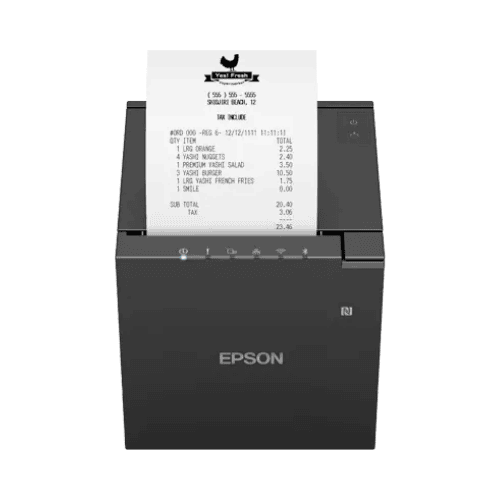
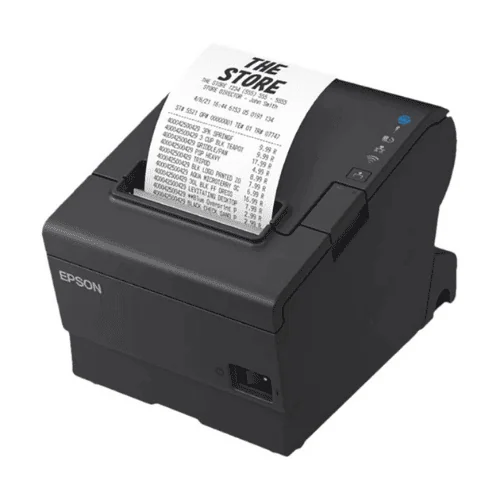
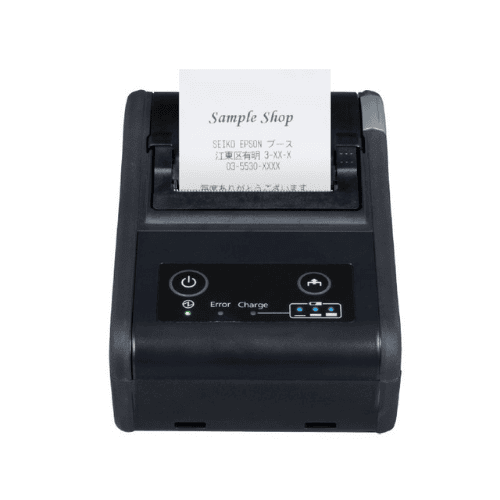
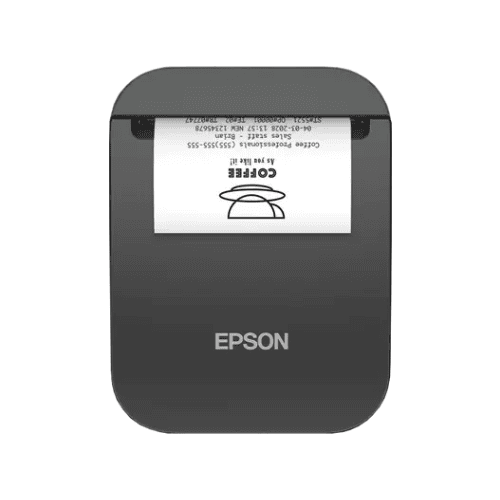
EPSON thermal printers are among the most widely used POS printing solutions in the hospitality and retail industries. Many restaurants and retail stores already rely on these printers for their daily operations. Automatically print orders using Epson printer.
The PrinterCo Android app is compatible with most EPSON POS thermal printers that support Android, making integration simple and efficient.
List of Epson printer Models that work with the PrinterCo app.
We have listed a range of EPSON printer series that are compatible with our Android app. While we strive to ensure broad compatibility, it is not feasible for us to test every model in our lab.
If you encounter any issues with a listed printer, please don’t hesitate to contact our support team—we’ll be happy to assist you.
TM-m30 Series, TM-m30II Series, TM-m30III Series
TM-P20 Series, TM-P20II Series, TM-P60 Series, TM-P60II Series, TM-P80 Series, TM-P80II Series.
TM-T20 Series, TM-T60 Series, TM-T70 Series, TM-T81 Series, TM-T82 Series, TM-T83 Series, TM-T83III Series, TM-T88 Series, TM-T88VII Series, TM-T90 Series, TM-T90KP Series, TM-T100 Series
TM-U220 Series, TM-U220II Series, TM-U330 Series
TM-L90 Series, TM-L100 Series, TM-L90LFC Series
TM-H6000 Series, TS-100 Series, EU-m30 Series
TM-m50 Series, TM-m50II Series, TM-m55 Series
SB-H50 Series, SB-m30 Series

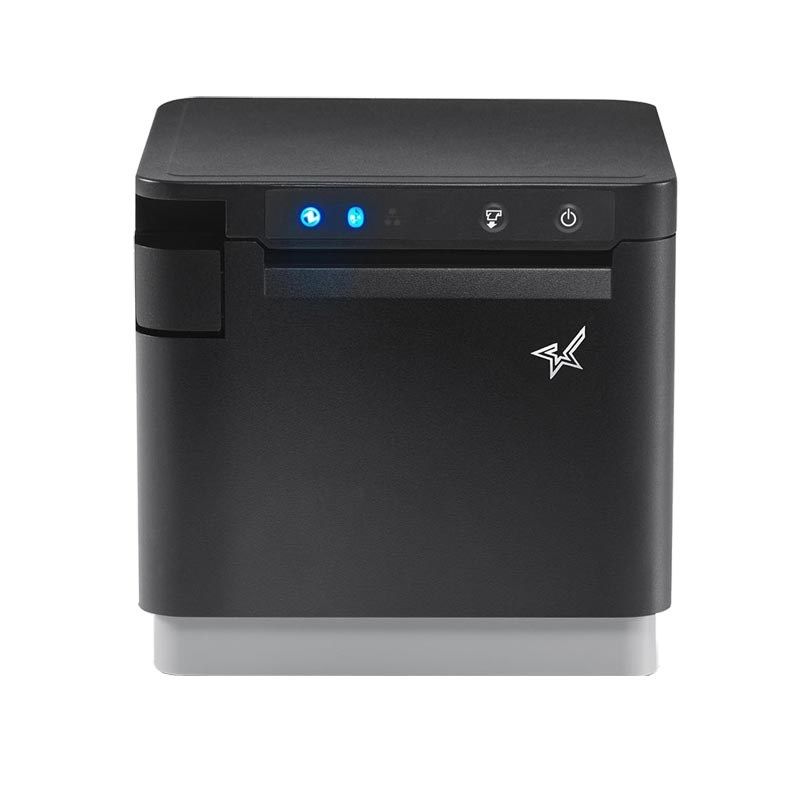
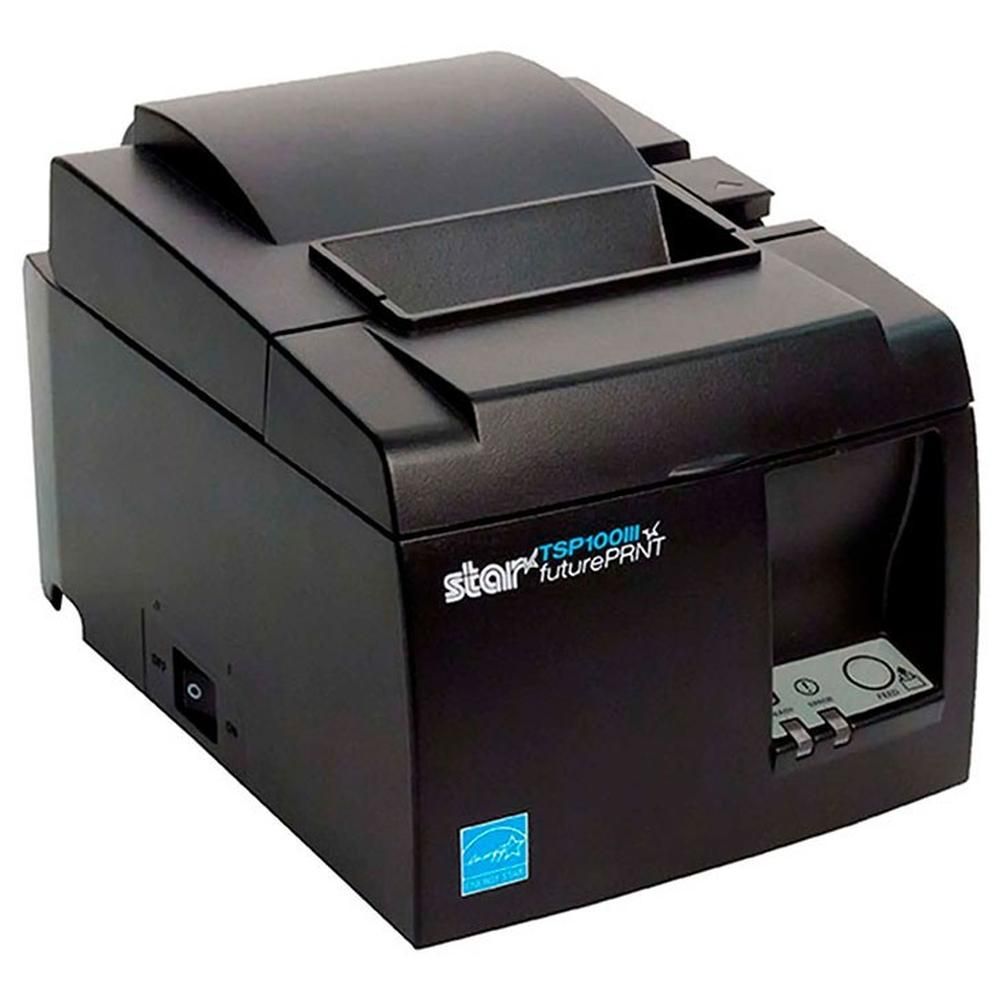
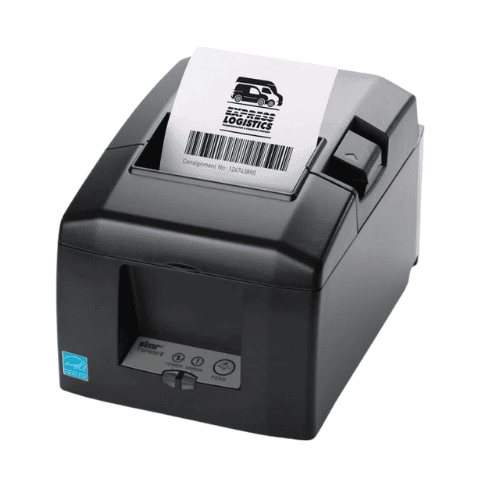
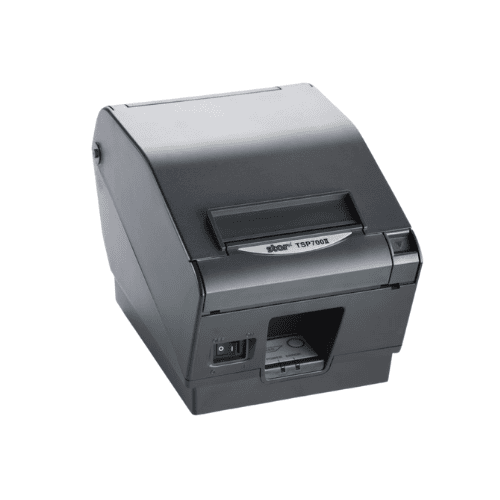
Star Micronics thermal printers are among the most widely used POS printing solutions in the hospitality and retail industries. Many restaurants and retail stores already rely on these printers for their daily operations. Start Automatically Print orders using a Star printer!
The PrinterCo Android app is compatible with most Star Micronics POS thermal printers that support Android, making integration simple and efficient.
List of Star printer that works
We have listed a range of Star printer series that are compatible with our Android app. While we strive to ensure broad compatibility, it is not feasible for us to test every model in our lab.
If you encounter any issues with a listed printer, please don’t hesitate to contact our support team—we’ll be happy to assist you.
mc-Print Series: mC-Print2, mC-Print3
TSP100 / TSP143 series: TSP100(TSP100II, TSP100III, TSP100IV, TSP100ECO, TSP100IIU+) TSP143III, TSP143IV
TSP650 / TSP700 Series: TSP650II, TSP650IISK, TSP700II
SM Series: Star SM-S230i, Star SM-T300i
Other Brand


Our app Also compatible with Sunmi and Munbyn Thermal POS printer.
Popular POS sytem