



Step 1
Customer places an order on Shopify.
Step 2
Printerco receives the order instantly.
Step 3
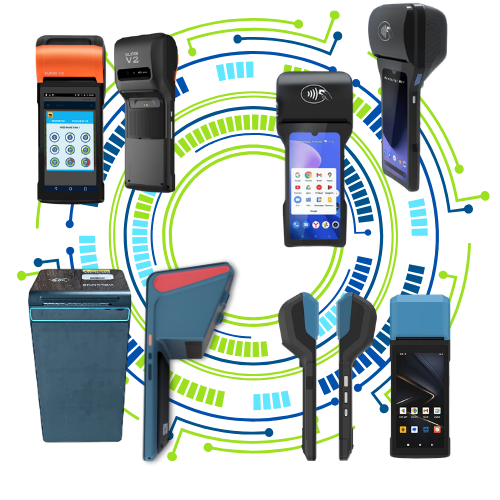
PrinterCo app proceed the order in Android or Windows devices
Step 4
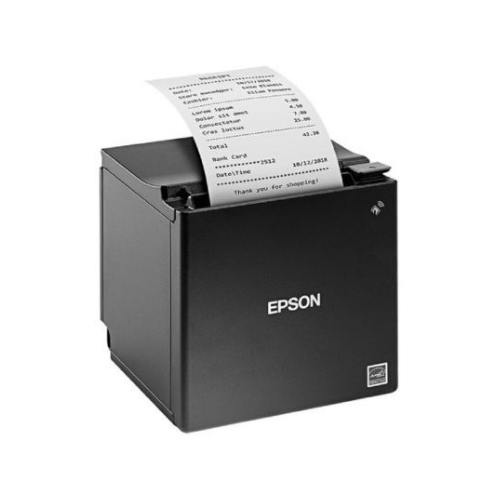
The thermal printer prints ther order automatically.

Auto Print Orders
Automatically print new orders.
Kitchen Receipts
Separate kitchen and customer tickets.
Accept / Reject Orders
Control workflow before printing if required.

Order Notifications
Automatic SMS and email updates
Order Reprints
Reprint any previous order instantly.

Sales Report
Print daily sales summaries directly.

Bluetooth Printing
Connect directly to Bluetooth thermal printers.

USB Printing
Use standard USB receipt printers.
Ethernet Printing
Print across your local network.
Takeaways

Restaurants

Cafés

Bakeries

Grocery Stores

Florists
Local Delivery Businesses

Retail Stores
Save Time During Busy Hours
Orders print automatically without staff intervention.

Reduce Human Error
No copying, pasting, or manually printing orders.
Never Miss an Order
Receive instant notifications and printed tickets as soon as an order is placed.
Use Existing Setup
Works with your current printer, tablet, computer, or POS terminal.

Easy to Scale
Whether you process 20 orders a day or 500, Printerco keeps your workflow running smoothly.